

Defence: HOTO, OMM & GDL
Purpose-built for Australian Defence handovers: HOTO Evidence Folder templates v5.5–v7.1, context-sensitive help from the HOTO Plan Checklist v7.3, the four-tier Defence workflow, EMOS/PPS review, Defence OMM templates and GDL estate data.
What it does
Defence is not a vertical Procom added later. It is what the platform was built around. When a project is created as a Defence project, the platform reshapes itself: Defence templates become available, roles rename to Defence terminology (the Project Manager presents as Contractor), Defence-specific roles like Consultant HOTO and Tenant/EMOS/PPS appear, and the approval workflow extends to the four-tier process Defence compliance expects.
The three pillars of a Defence handover each have first-class support. HOTO: Evidence Folder templates for v5.5, v6.1, v6.3 (in separate Planning & Development and Construction phase folders) and the v7.1 multi-checklist, with context-sensitive help on every checklist item, built from the official HOTO Plan and Checklist v7.3 data. OMM: the OMM Buildings and OMM Base Infrastructure V2.0 templates, with automatic volume splitting for exports over 200 MB per SEG v2.0. GDL: the GDL Data Gathering Folder structuring estate and equipment data through to final submission.
Around all three sits the machinery Defence reviewers care about: a comprehensive audit trail, per-section approval states and documentation that arrives structured the way the reviewing authority expects to see it.
How it works
Create as Defence
Select the Defence project type at creation. Defence templates unlock (the HOTO version your contract mandates, the OMM structures, the GDL folder) and roles rename to Defence terminology automatically.
Build the evidence
Subcontractors fill their assigned checklist items and manual sections. The help icon on each HOTO node shows the item number, title, required evidence and lifecycle phase, straight from the v7.3 checklist data.
Approve four-tier
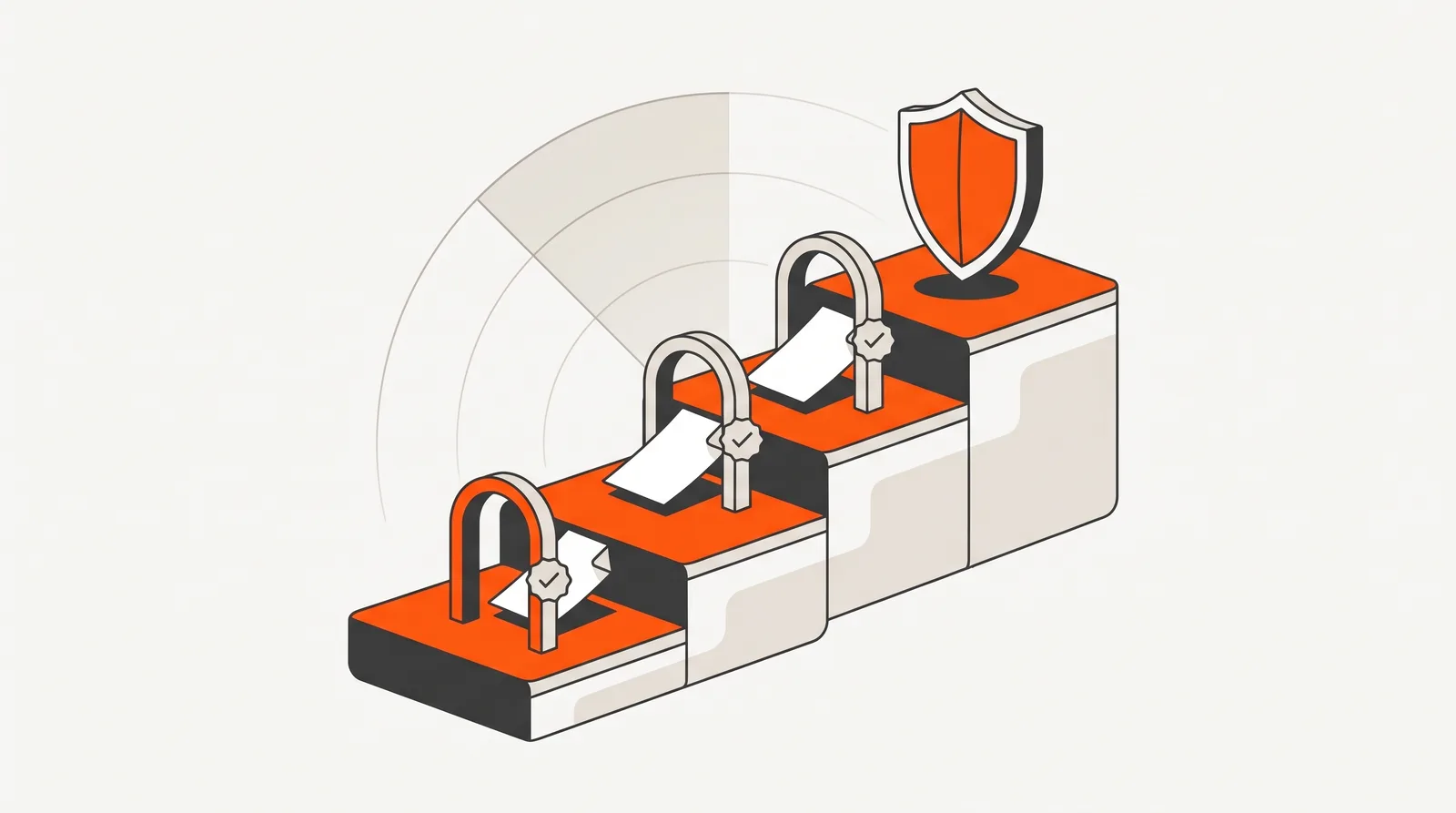
Documents move through the Defence four-tier workflow (draft review, pre-final review, final review and final client review with EMOS/PPS) to acceptance, with the full trail logged for compliance.
Defence four-tier workflow
Why it matters
Defence handovers fail on structure more often than substance. The documentation usually exists, somewhere, but it arrives in the wrong shape: the wrong HOTO version, evidence misfiled against checklist items, an OMM export that breaks the 200 MB rule, GDL data still scattered across subcontractor spreadsheets. Each structural miss costs a review cycle, and review cycles on Defence projects are measured in weeks.
Templates that match the official versions remove the structural risk. The checklist help removes the interpretation risk: subcontractors see what evidence each item actually requires instead of guessing. The four-tier workflow removes the process risk: nothing reaches Defence review that has not already passed internal and pre-final review, and the EMOS/PPS stage happens inside the platform rather than in an email thread.
For contractors, the practical effect is fewer rejected submissions and a handover that finishes when the project does. For a deeper look at the frameworks themselves (ERIK, EMOS, the HOTO process) start with our Defence Handover Guide.
Compared to
| Task | Generic document platform | Procom |
|---|---|---|
| HOTO structure | Rebuild the checklist folder structure by hand, per version, per project. | Evidence Folder templates for v5.5, v6.1, v6.3 (both phases) and v7.1 multi, pick and go. |
| Interpreting checklist items | Search the PDF, ask around, hope. | Context-sensitive help per item: number, title, required evidence, lifecycle phase, from v7.3 data. |
| Approvals | A generic approve button that doesn't match Defence's review tiers. | The four-tier Defence workflow with pre-final, final and EMOS/PPS client review stages. |
| Roles & terminology | Defence stakeholders squeezed into generic role names. | Context-aware naming (Contractor, Consultant HOTO, Tenant/EMOS/PPS) on Defence projects. |
| OMM size limits | Manual splitting and re-authoring when the export breaks 200 MB. | Automatic SEG v2.0 volume splitting with per-volume DOCX, TOC and Revision History. |
| Estate data | GDL spreadsheets managed outside the platform entirely. | GDL Data Gathering Folder with per-contributor sheets and master draft/final copies, gated by the HOTO checklist. |
Specifications
HOTO templates
HOTO Checklist Evidence Folders: v5.5 and v6.1; v6.3 Evidence Folders for Project Planning & Development and Project Construction phases; v7.1 multi-checklist Evidence Folder.
HOTO Help system
Context-sensitive help built from HOTO Plan and Checklist v7.3 data: item number, title, evidence requirements and project lifecycle phase, shown via a help icon on each checklist node.
OMM templates
OMM Buildings (V2.0) and OMM Base Infrastructure (V2.0), with automatic volume splitting above 200 MB per Defence OMM Instructions (SEG v2.0, paras 40–42).
GDL estate data
GDL Data Gathering Folder template: Estate and Equipment streams, per-contributor data sheets, master draft and final copies, HOTO-gated final submission.
Workflow
A four-tier Defence approval workflow: each document moves from subcontractor draft to project review, Consultant HOTO internal review and final client sign-off (Defence/EMOS), with reject-and-resubmit paths at each gate so nothing reaches Defence unchecked.
Roles
Context-aware role naming on Defence projects (Project Manager presents as Contractor) plus Defence-specific roles: Consultant HOTO for handover approvals and Tenant/EMOS/PPS for end-user review. Two-factor authentication and Microsoft / Google SSO are supported.
Frequently Asked Questions
Which HOTO template versions does Procom support?
Procom ships HOTO Checklist and Evidence Folder templates for v5.5 and v6.1, separate v6.3 Evidence Folders for the Project Planning & Development phase and the Project Construction phase, and the v7.1 multi-checklist Evidence Folder. New projects pick the version their contract mandates.
What is the HOTO Help system?
Context-sensitive help built from the official HOTO Plan and Checklist v7.3 data. A help icon next to each checklist node shows the item number, title, the evidence Defence expects for that item, and which project lifecycle phase it belongs to, so subcontractors stop guessing what an item means.
What is the Defence four-tier workflow?
A workflow built specifically for Defence approvals. Documents move through draft, draft review, pre-final review, final review and final client review states, with rejection paths at draft and final stages, before acceptance. The final client review stage is where EMOS/PPS representatives review the documentation.
How do roles work on a Defence project?
Procom renames roles to match Defence terminology automatically: when a project is created as a Defence project, the Project Manager role presents as Contractor, and Defence-specific roles like Consultant HOTO (for handover approvals) and Tenant/EMOS/PPS (for end-user review) become available.
How does Procom handle Defence OMM exports?
Defence projects use the OMM Buildings and OMM Base Infrastructure V2.0 templates, and exports that exceed 200 MB are automatically split into labelled volume ZIPs per the Defence OMM Instructions (SEG v2.0, paragraphs 40–42), each volume with its own DOCX, Table of Contents and Revision History.
Does Procom cover GDL estate data as well?
Yes. The GDL Data Gathering Folder template structures estate and equipment GDL data sheets per subcontractor with master draft and final copies, and the HOTO checklists track GDL gates through to final submission. See the Government Estate Data Management feature for detail.
Defence handover on the horizon?
Book a 20-minute walkthrough on a sample Defence project (HOTO, OMM and GDL) mapped to your contract's obligations.