

Maintenance Management
Structured work orders with files, comments, assignments and schedules, connected to the maintenance periods and procedures captured in the O&M manual itself.
What it does
Maintenance starts in the manual. The OMM templates carry a dedicated Maintenance Periods and Procedures section (including WHS information) so the regime the building needs is documented at handover, not improvised afterwards. Procom then turns that regime into action through work orders.
A work order in Procom is a complete unit of maintenance work: a description editable directly on the details page, file attachments, comments, an assignee and a schedule. Progress moves through defined workflow states (from draft, through review, to accepted) so a work order's status is a fact, not an opinion. Project and company managers create and monitor the work; subcontractors see and action what is assigned to them through their own portal.
During the Defects Liability Period, DLP schedules drive the recurring maintenance activities and the work orders that deliver them, and the same machinery keeps working for planned maintenance beyond the DLP. Reports export from the platform, and the DLP dashboard exports to XLSX, so client reporting runs from the same live data the team is actioning.
How it works
Create & assign
A manager raises the work order (description, attachments, schedule) and assigns it to the responsible subcontractor. Recurring activities come straight from the DLP schedule.
Action & evidence
The subcontractor actions the work through their portal, attaching completion evidence and comments to the work order itself, not to an email thread nobody will find later. The portal is mobile-optimised, so trades can action work orders and attach photo evidence from a phone on site.
Review & report
The work order moves through its workflow states to acceptance. Reports export from the platform; the DLP dashboard exports to XLSX for the client pack.
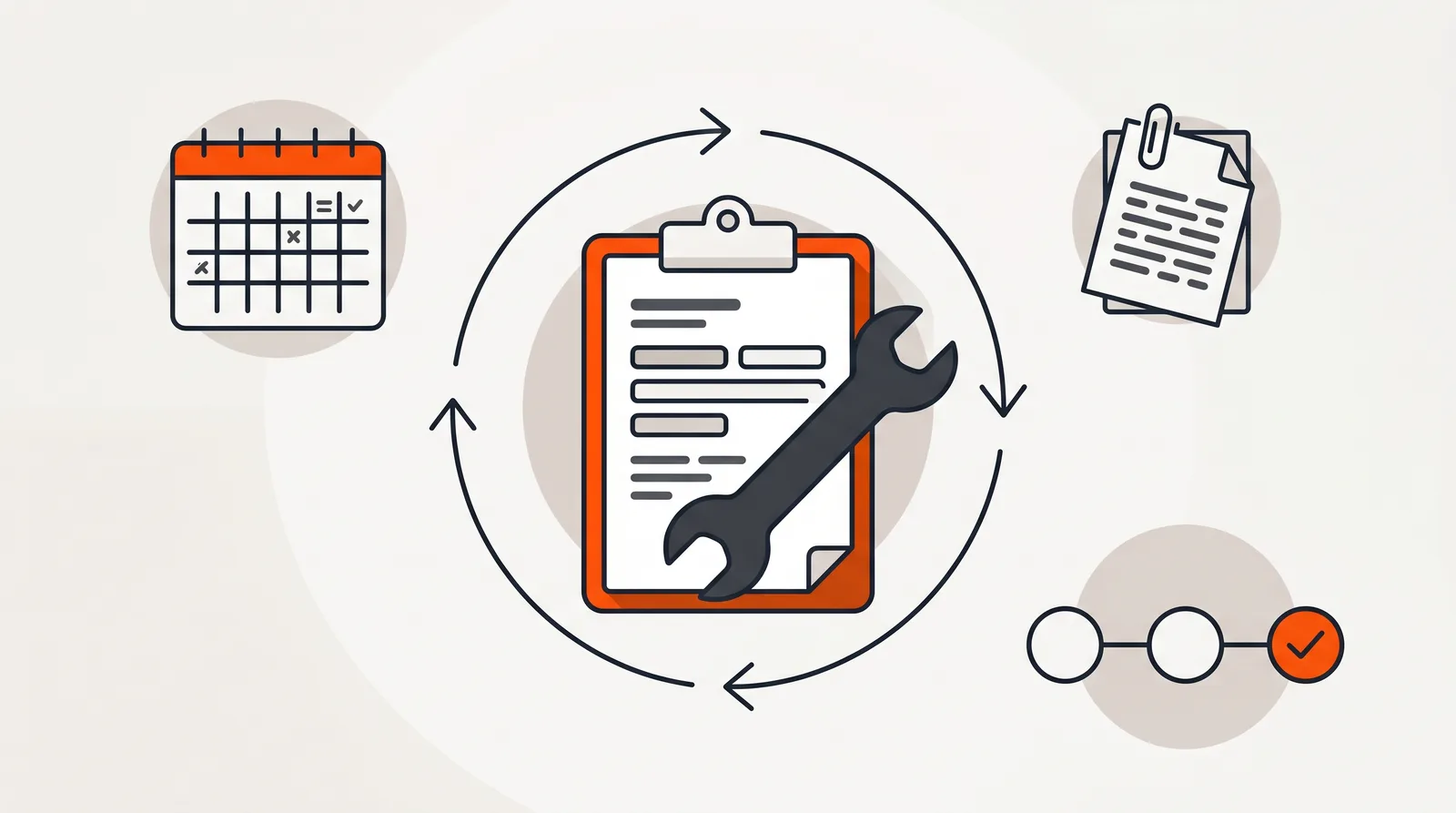
A work order is a complete unit of work
Why it matters
A building's warranties usually depend on its maintenance. Skip the scheduled servicing, or fail to prove it happened, and the manufacturer's warranty position weakens exactly when the owner needs it. The maintenance regime documented in the O&M manual is only worth what the records of its execution can demonstrate.
Work orders with attached evidence, defined states and an audit trail close that loop. When a maintenance activity is questioned (by a client, a warranty assessor or an auditor) the answer is a record, not a reconstruction: who was assigned, what they did, what evidence they attached, who accepted it and when.
For head contractors carrying DLP obligations, the same system means the maintenance tail of a finished project takes hours a month to run instead of days, and the client sees a contractor in control rather than one being chased.
Compared to
| Task | Email + spreadsheet | Procom |
|---|---|---|
| Raising work | An email that may or may not become a row in a spreadsheet. | A structured work order with description, attachments, assignee and schedule. |
| Knowing the status | Ring the subcontractor and ask. | Defined workflow states (draft, review, accepted) visible to everyone involved. |
| Completion evidence | Photos in someone's phone gallery. | Files and comments attached to the work order, permanently. |
| Recurring servicing | Calendar reminders that demobilise with the project team. | DLP schedules generate the recurring activities and their work orders. |
| Reporting | Rebuilt by hand for every client meeting. | Work order report exports plus XLSX dashboard export from live data. |
Specifications
Work orders
Create and track work orders with editable descriptions, file attachments, comments, assignments and schedules. Report exports included.
Workflow states
Defined states and transitions for work order processing (draft, draft review, draft rejected, accepted) so status is never ambiguous.
Manual integration
The OMM templates document Maintenance Periods and Procedures (including WHS information) so the regime being executed is the regime that was handed over.
DLP schedules
Recurring maintenance activities driven by DLP schedules through the liability period. Deleting a schedule removes its associated work orders.
Reminders
Email reminders for upcoming or overdue work orders sent directly from the DLP dashboard by project and company managers, with a log of every reminder sent.
Roles
Project and company managers create, monitor and accept; subcontractors action their assigned work orders through their own scoped portal.
Frequently Asked Questions
What can a work order in Procom contain?
A work order carries its description (editable directly on the details page), file attachments, comments, an assignee, and a schedule. Progress is tracked through defined workflow states from draft through review to accepted.
How does maintenance connect to the O&M manual?
The OMM templates include a dedicated Maintenance Periods and Procedures section, including WHS information, so the maintenance regime the building needs is captured in the manual itself, then actioned through work orders during the DLP and beyond.
Who raises and manages work orders?
Project managers and company managers create work orders, assign them to subcontractors, and monitor progress. Subcontractors see and action the work assigned to them through their own portal.
Can I schedule recurring maintenance?
Work orders support schedules, and DLP schedules drive the recurring maintenance activities through the liability period. Deleting a DLP schedule removes its associated work orders, keeping the register clean.
How do I get maintenance data out for reporting?
Work order reports export from the platform, and the DLP dashboard exports to XLSX, so client reporting and internal reviews work from the same live data the team is actioning.
Maintenance worth doing is worth proving.
Book a walkthrough on live work orders and schedules, or talk to us about the maintenance tail on your projects.