

OMM Volume Splitting
Automatically split Defence OMM exports that exceed 200 MB into clearly labelled volume ZIPs, each with its own DOCX, Table of Contents and Revision History, aligned to Defence OMM Instructions SEG v2.0 paragraphs 40–42.
What it does
When a contractor exports a finished Defence Operations and Maintenance Manual (OMM) from Procom, whether an OMM Buildings export or an OMM Base Infrastructure export, the platform measures the assembled export. If the directory exceeds the 200 MB ZIP-file limit set by the Defence OMM Instructions, Procom splits it into multiple clearly labelled volume ZIP files instead of producing a single oversized archive.
Each resulting volume is a complete, self-contained ZIP. It carries a volume-specific DOCX manual, its own Table of Contents, and a Revision History scoped to only the chapters in that volume. The split is invisible to the contractor running the export: the platform decides how many volumes are required, packs the chapters, generates the DOCX for each and uploads them as separate Media records on the manual.
Defence reviewers and EMOS subcontractors download volumes individually from the Admin exports view, where Procom renders a per-volume button (Vol 1, Vol 2, …) whenever a multi-volume export exists.
How it works
Measure
After the chapter folders are assembled, Procom measures the total export size. If it stays under the threshold, a single ZIP is produced as normal.
Pack
If the export exceeds the limit, a greedy bin-packing algorithm assigns chapters to volumes in tree order. A new volume starts whenever adding the next chapter would push the volume past the threshold. Chapters are never split mid-chapter; an oversized chapter gets its own volume.
Render & upload
The DOCX renderer runs once per volume, filtered to only that volume's chapters, producing a Volume X of Y cover page, a scoped Table of Contents, and a Revision History. Each volume ZIP is uploaded as an independent Media record on the manual export.
Over the limit in, compliant volumes out
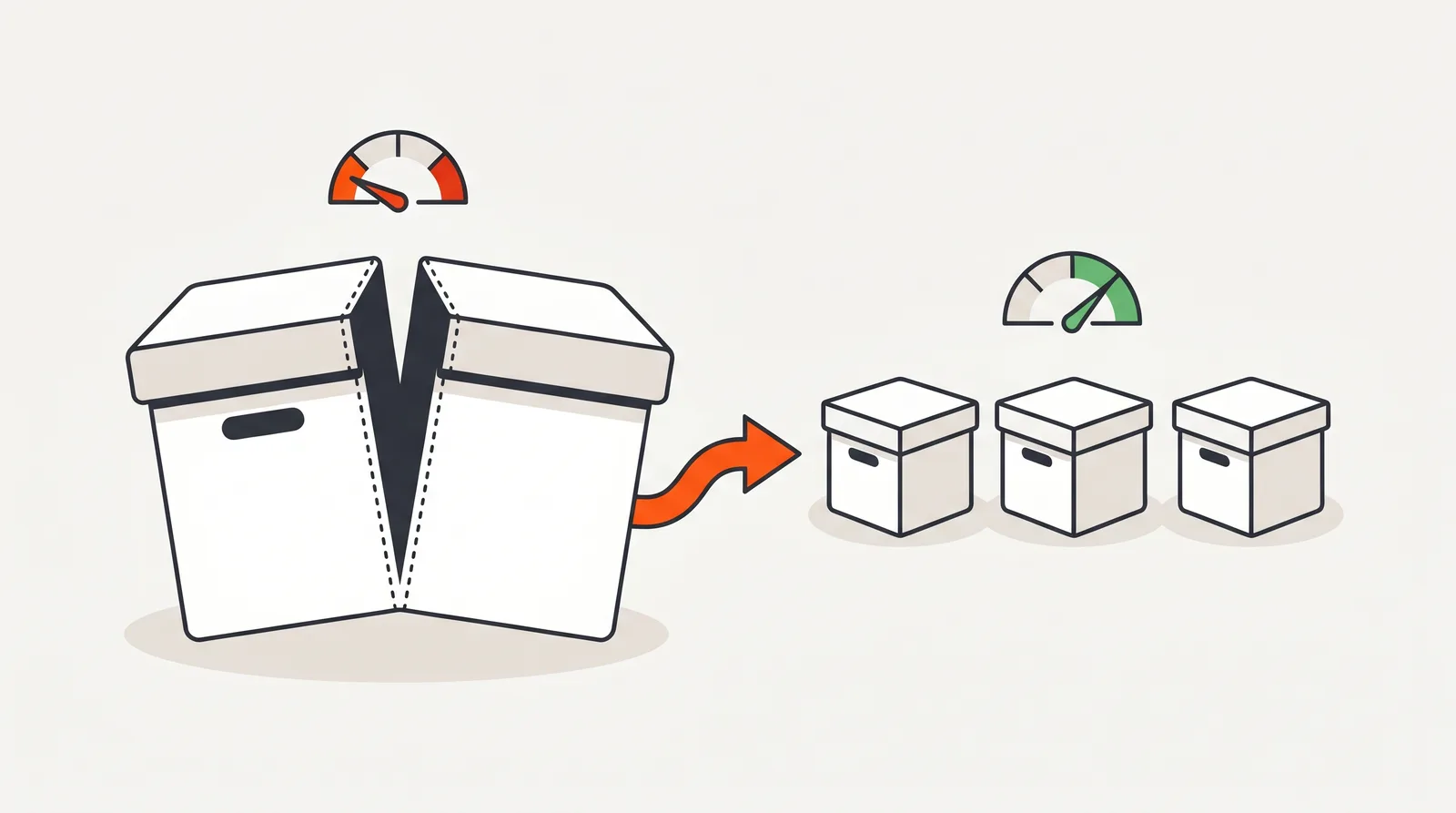
{EBI}_OMM {BuildingName}_VolumeN.zip; Base Infrastructure exports follow {EBI}_OMM {PropertyName}_Infrastructure_VolumeN.zip. Each has its own Volume X of Y DOCX, TOC and Revision History.Why it matters
Defence's OMM Instructions cap individual OMM ZIP files at 200 MB so that EMOS can transfer, ingest and archive manuals reliably across base networks. A single oversized ZIP fails the rule, which holds up acceptance and pushes the contractor back through rework.
Splitting manually is error-prone. The DOCX manual has to be regenerated per volume so the cover page reads Volume X of Y, the Table of Contents lists only the chapters in that volume, and the Revision History matches. Chapters need to stay intact and in tree order. Naming has to follow the SEG-aligned {EBI}_OMM {Name}_VolumeN.zip pattern. Each volume needs its own Media record so reviewers can download just what they need.
Procom does all of that automatically the first time the export runs. The contractor presses export; the platform decides on volumes, packs chapters, regenerates the per-volume DOCX, names the files correctly and uploads each volume separately. No competitor markets this. It is unique to Procom.
Compared to
| Step | Manual approach | Procom |
|---|---|---|
| Detecting the over-limit case | Check final ZIP size, discover it exceeds 200 MB, restart the export plan. | Measured automatically on every export; volume mode triggers when needed. |
| Distributing chapters | Manually decide which chapters go in which ZIP; risk of splitting a chapter or breaking tree order. | Greedy bin-packing keeps chapters intact and in tree order; oversize chapters isolated to their own volume. |
| Per-volume DOCX | Edit cover page, TOC and revision history by hand for each volume. | DOCX renderer runs once per volume with a volume-scoped cover, TOC and revision history. |
| File naming | Hand-name ZIPs; one typo breaks Defence's import workflow. | SEG-aligned {EBI}_OMM {Name}_VolumeN.zip applied automatically. |
| Reviewer download | Email a stack of links or a shared drive folder. | Per-volume download buttons rendered directly in the Admin exports view. |
Specifications
Threshold
200 MB per volume ZIP, set by Defence OMM Instructions (SEG v2.0, July 2022, paragraphs 40–42). The limit is configurable per project to match a client's specific submission cap.
Supported export types
OMM Building exports and OMM Base Infrastructure exports. Non-OMM export types are not affected.
Packing algorithm
Chapters are packed into volumes in document order, with each chapter sized precisely beforehand. Chapters never split mid-chapter, and an oversize chapter takes its own volume.
Per-volume DOCX
A DOCX is generated per volume with a Volume X of Y cover page, a Table of Contents scoped to that volume's chapters, and a matching Revision History.
Filenames
{EBI}_OMM {BuildingName}_VolumeN.zip for buildings, {EBI}_OMM {PropertyName}_Infrastructure_VolumeN.zip for base infrastructure. Filenames are safe for Windows and macOS file systems.
Tested end to end
An automated test suite validates the whole pipeline: volume packing, single- and multi-volume exports, a per-volume DOCX in every ZIP, chapter isolation and completeness, both OMM types, the configurable size limit and Windows and macOS filename safety.
Frequently Asked Questions
Why does Defence require OMM exports to be split at 200 MB?
The Defence OMM Instructions (SEG v2.0, July 2022, paragraphs 40–42) cap individual OMM ZIP files at 200 MB so that Estate Maintenance and Operations Support (EMOS) can transfer, store, and ingest the manuals reliably. Anything larger has to be split into clearly labelled volumes.
What triggers an automatic volume split in Procom?
A split is triggered when the assembled OMM export directory size exceeds 200 MB. The threshold is configurable on a per-installation basis via the OMM_VOLUME_MAX_MB environment variable (default 200 MB), useful if a specific Defence project nominates a different limit.
How are chapters distributed across volumes?
Procom uses a greedy bin-packing algorithm. Chapter folders are measured with du -sb and assigned to volumes in tree order, starting a new volume whenever adding the next chapter would exceed the limit. Chapters are never split mid-chapter; if a single chapter is larger than the threshold it gets its own volume.
What is inside each volume ZIP?
Each volume ZIP is self-contained. It includes its own DOCX manual with a volume-specific cover page (Volume X of Y), a Table of Contents that lists only that volume's chapters, and a Revision History scoped to those chapters. The chapter folders inside the ZIP are the same files you would get from a single-volume export.
How are the volume ZIPs named?
Volumes follow the SEG-aligned pattern: {EBI}_OMM {BuildingName}_Volume1.zip, _Volume2.zip, etc. for OMM-Building exports, and {EBI}_OMM {PropertyName}_Infrastructure_VolumeN.zip for OMM Base Infrastructure exports.
How do reviewers download the volumes?
Each volume is uploaded as a separate Media record on the manual export. The Admin exports view renders individual per-volume download buttons (Vol 1, Vol 2, …) when more than one volume exists, so reviewers can fetch only what they need.
Need 200 MB-compliant OMM exports?
Book a walkthrough on a sample multi-volume Defence export, or contact us about your current project.